Import from Word, Scrivener, and Final Draft
Bring an existing draft in as a new book - .docx, zipped Scrivener .scriv, or Final Draft .fdx - without wiping your library.
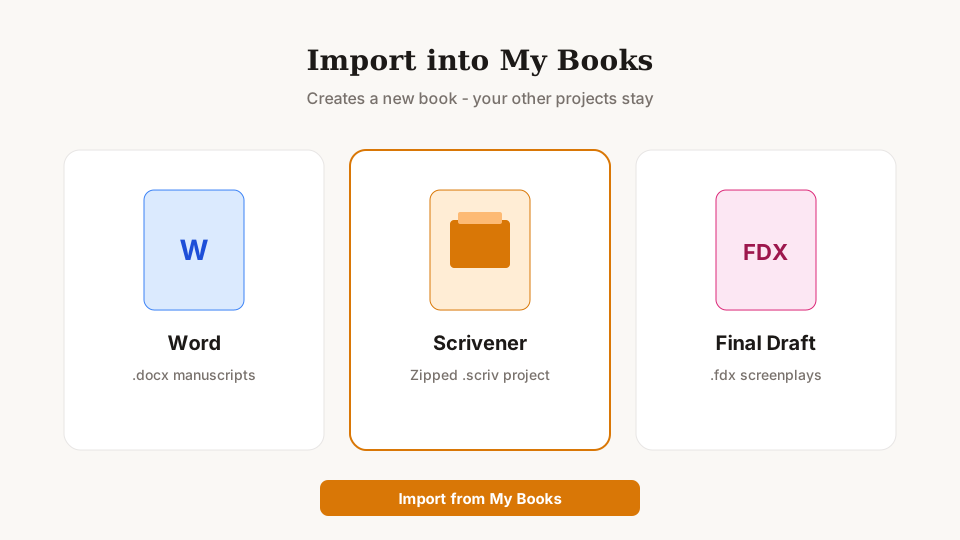
On My Books, click Import (or Save location → Import from another app). Word documents become structured projects; a full zipped Scrivener package (binder plus Files/Docs) brings chapters and scenes across; Final Draft .fdx files land as screenplay projects. Import always creates a new book so your samples and other work stay put.
What you can do
- Word (.docx) for manuscripts and essays
- Scrivener: zip the whole .scriv package, not only the .scrivx
- Final Draft (.fdx) for screenplays
- Help & Guide → Import walks through each format in the app
More detail: Import FAQ
#tryauthorsdrop · #authorsdrop - tryauthorsdrop.com · authorsdrop.com
30 days free. Pay once. Keep writing. No subscription.
#tryauthorsdrop · #authorsdrop · tryauthorsdrop.com · authorsdrop.com