What Is AuthorsDrop?
A writing and publishing platform for long-form projects, from planning and drafting through book formatting and publication-ready output.
A blank page is fine for a short piece. A novel, a screenplay, or a dissertation needs structure: chapters, scenes, acts, notes, research, characters - pieces you can open, reorder, and finish without hunting through a pile of files.
AuthorsDrop brings that writing workspace together with the rest of the author journey. You can plan, draft, revise and organise in the same project, then take prose books into AuthorsDrop Press for layouts, front matter, trim sizes, EPUB export and print-ready PDF output. Scripts and other long-form projects continue through the appropriate compile and export tools.
In other words, AuthorsDrop is not only a place to build the manuscript. For book authors, it is designed to carry the project from first idea through to publication-ready files. Pick a suggestion below for a closer look - each page has images and a link back here, or on to the next suggestion.
Seven things AuthorsDrop gives you
- 1
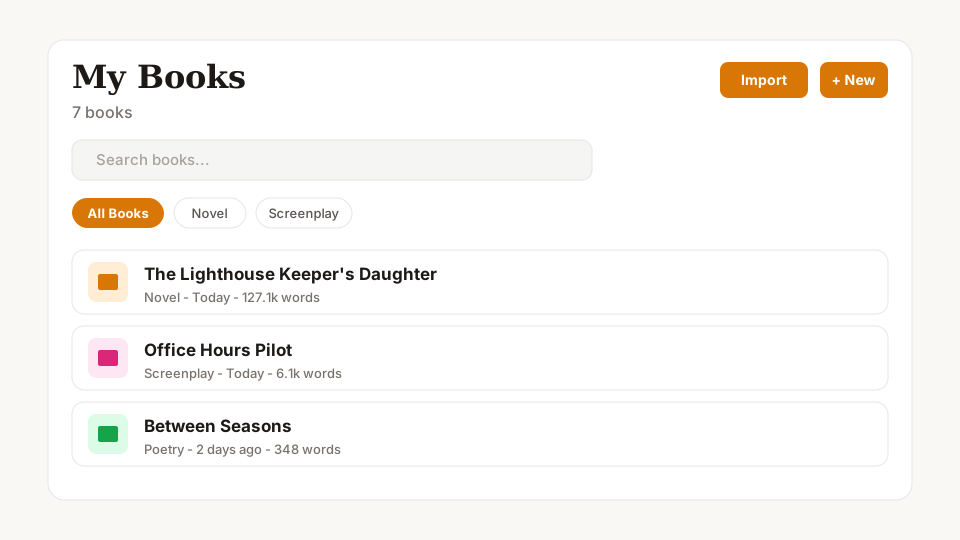
Unlimited books and scripts in My Books
One library for every novel, script, thesis, and side project - search, filter by format, and open the one you’re working on.
See details → - 2
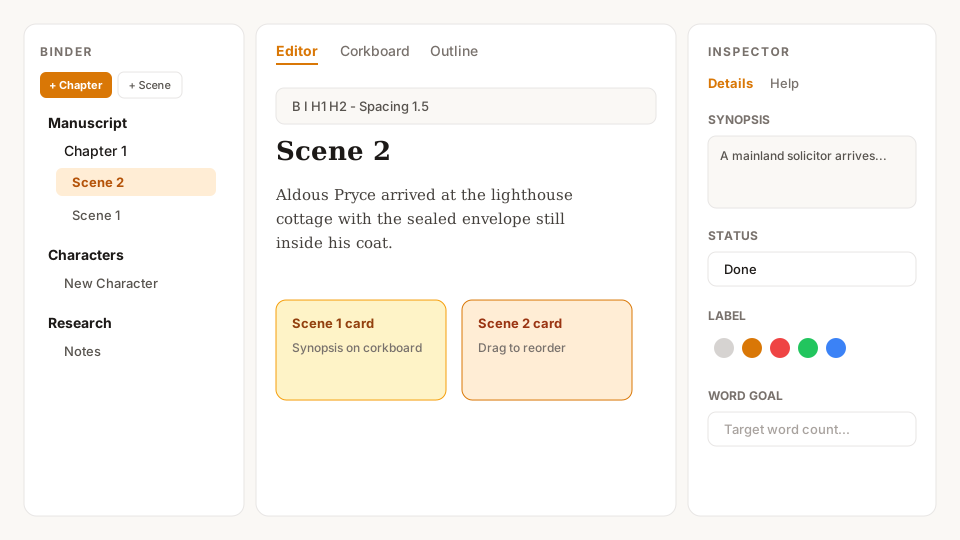
Binder, corkboard, outline, and inspector
Plan on the left, write in the middle, and keep synopsis, status, and notes on the right - plus corkboard and outline views.
See details → - 3
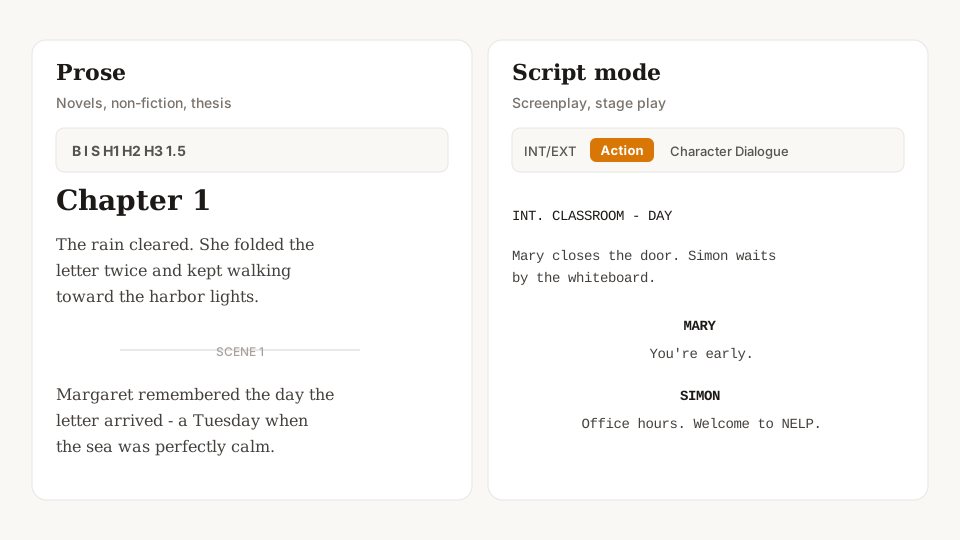
Prose formatting and full script mode
Rich text for novels and non-fiction; INT/EXT, Action, Character, and Dialogue for screenplays and stage plays.
See details → - 4
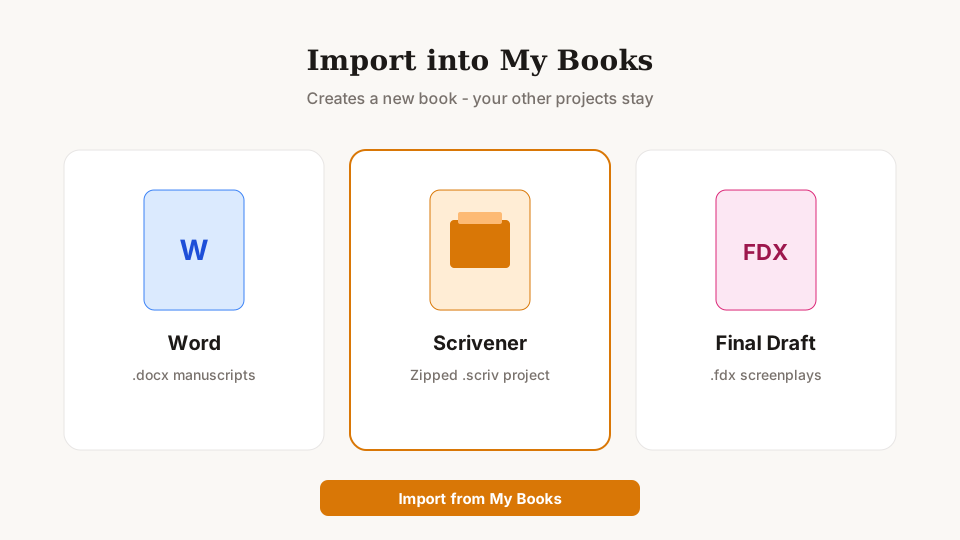
Import from Word, Scrivener, and Final Draft
Bring an existing draft in as a new book - .docx, zipped Scrivener .scriv, or Final Draft .fdx - without wiping your library.
See details → - 5
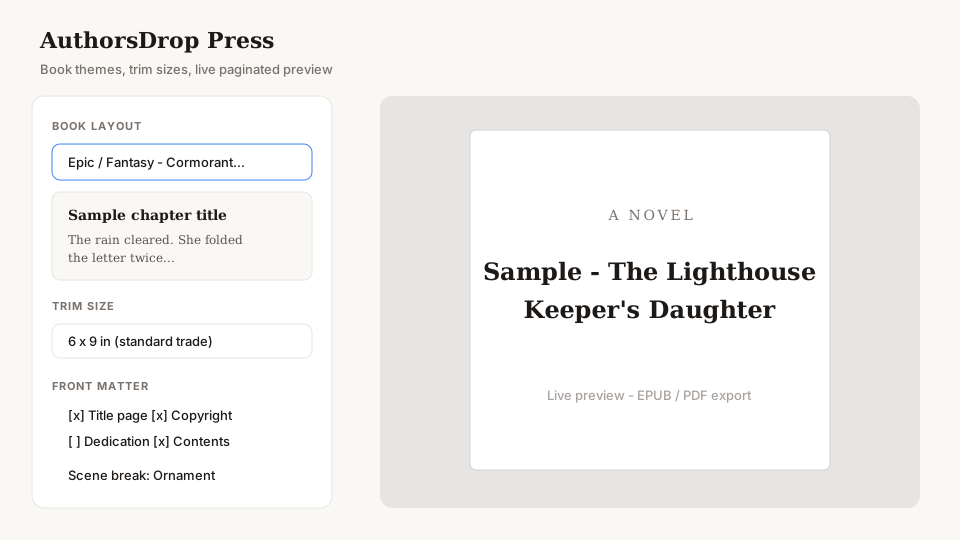
AuthorsDrop Press (themes, trim sizes, EPUB/PDF)
Turn a prose manuscript into a book-looking preview - layouts, trim sizes, front matter - then export EPUB or print-ready PDF.
See details → - 6
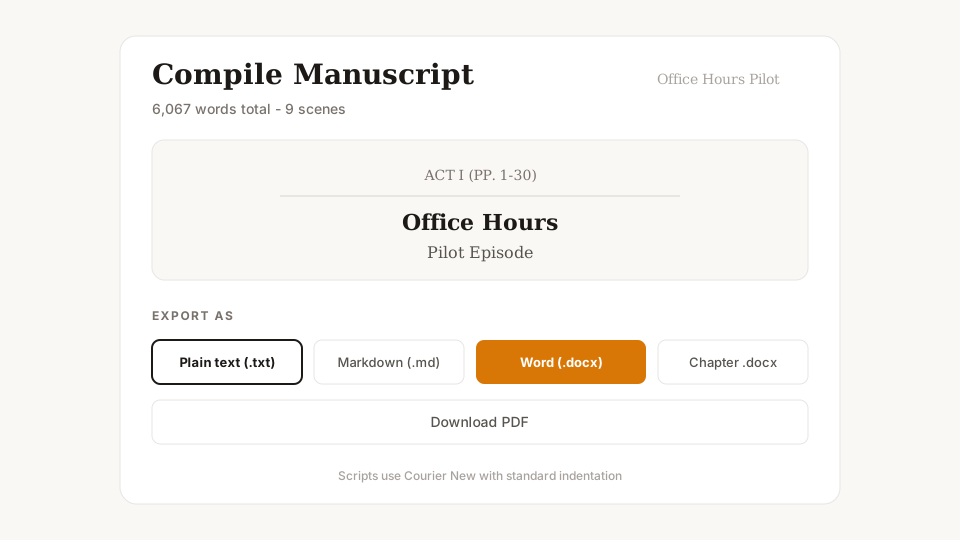
Compile to .txt, .md, .docx, and PDF
One Compile flow for plain text, Markdown, Word presets, PDF - plus Final Draft (.fdx) for scripts.
See details → - 7
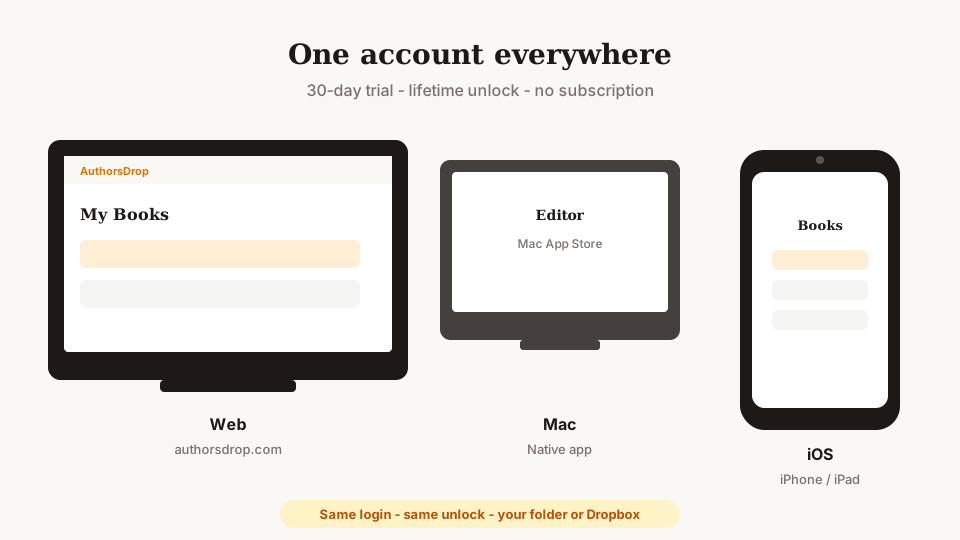
The same unlock on web, Mac, and iOS
One AuthorsDrop account everywhere - 30-day trial and lifetime unlock travel with you across browser, Mac app, and iPhone.
See details →
Who it’s for
Same tool, different project templates - novel, non-fiction, dissertation, screenplay, stage play, short story, fantasy, sci-fi, or poetry collection.
How saving and Secure Sync work
AuthorsDrop saves your work on the device you are using first. Secure Sync then encrypts the project on that device and synchronises it to your signed-in AuthorsDrop library. There is no permanent “master” computer, Mac, iPhone, or iPad.
When you move to another device, the safest routine is simple: finish writing, wait for Synced, then open AuthorsDrop on the next device and let it finish synchronising before you start typing. If that device has an older revision, it pulls the newer Secure Sync revision first.
If two devices changed different documents, AuthorsDrop can merge those changes. If both changed the same document independently, AuthorsDrop keeps the current remote version as the main copy and preserves the other changed version as a conflict copy for review rather than silently discarding it.
You can keep writing offline because edits save locally first. Reconnect and wait for Synced before moving to another device. On a new or recovered device, unlock Secure Sync if asked and let the first library alignment finish before editing.
Try it, then pay once
New accounts get a 30-day free trial on authorsdrop.com. After that it’s $89 USD once for lifetime access - no subscription. Your projects stay saved even if you wait to pay.
Also see: Features · AuthorsDrop Press · FAQ
#tryauthorsdrop · #authorsdrop - tryauthorsdrop.com · authorsdrop.com
30 days free. Pay once. Keep writing. No subscription.
#tryauthorsdrop · #authorsdrop · tryauthorsdrop.com · authorsdrop.com