AuthorsDrop vs Dabble: Novel Writing Tool or Multi-Format Author Workspace?
Compare AuthorsDrop and Dabble for novel writing, plotting, manuscript organisation, research, scripts, pricing and long-form projects.
Dabble is a modern writing tool built with fiction authors in mind. It is designed to help novelists plan stories, organise manuscripts and keep writing without feeling overwhelmed.
AuthorsDrop shares some of that territory, but it is broader. It supports novel writing, while also giving writers a home for screenplays, stage plays, non-fiction books, dissertations, research and publishing preparation.
So this comparison comes down to scope. Do you want a focused fiction-writing tool, or one workspace for every serious long-form project?
Quick comparison
| Feature | AuthorsDrop | Dabble |
|---|---|---|
| Novel writing | Yes | Main focus |
| Plotting support | Corkboard, outline and project structure | Plotting tools |
| Manuscript organisation | Chapters, scenes, research and characters | Manuscript organisation |
| Research folders | Yes | Limited compared with full author workspaces |
| Character records | Yes | Fiction-focused tools |
| Screenplays | Yes | Not its main purpose |
| Stage plays | Yes | Not its main purpose |
| Non-fiction books | Yes | Not its main focus |
| Dissertations | Yes | Not its main focus |
| Pricing philosophy | One-time lifetime access after trial | Subscription plans plus lifetime option |
| Best suited to | Multi-format long-form writers | Fiction writers focused on novels |
Dabble knows novelists
Dabble is not trying to be a general word processor. Its public positioning is clearly aimed at people writing novels. That gives it an advantage over ordinary writing tools because it understands that fiction needs structure, plot movement and manuscript organisation.
For many novelists, this will be enough. A clean writing space, useful organisation and plotting support can remove a lot of friction from the drafting process.
AuthorsDrop widens the writing workspace
AuthorsDrop also supports novels, but it does not stop there. The same workspace can be used for screenplays, stage plays, non-fiction, dissertations and research-heavy projects.
That matters because many writers do not stay within one format. A novelist may adapt a book into a screenplay. A playwright may write a memoir. A student may move from dissertation writing to non-fiction. AuthorsDrop is built for that movement.
Plotting and structure
Dabble is strong when the task is fiction planning. It gives novelists tools designed to help them avoid losing the thread of the story.
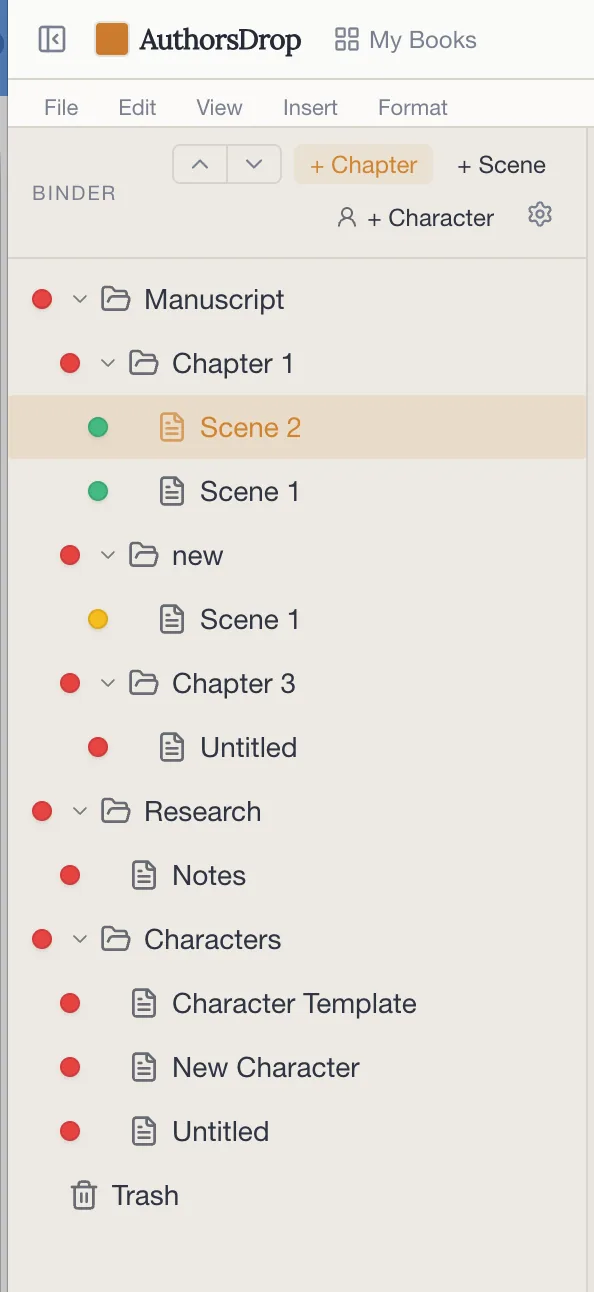
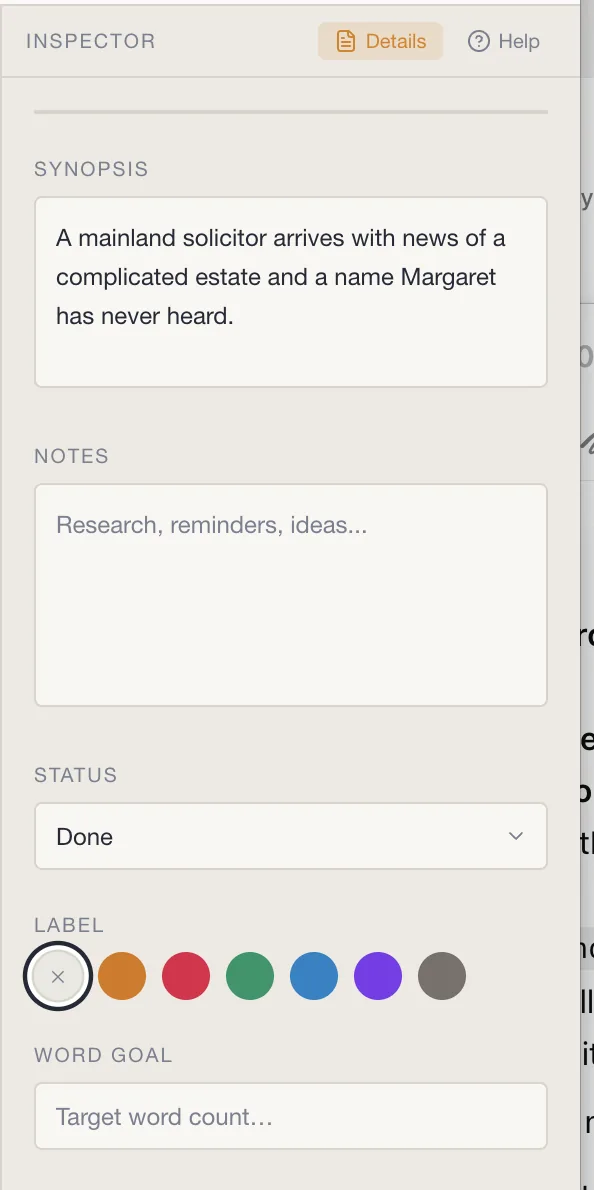
AuthorsDrop approaches structure through the Binder, Corkboard, Outline, Inspector and project sections. Rather than treating plotting as a separate activity, it keeps the planning and the manuscript close together.
This distinction is important. Dabble helps a novelist plot a story. AuthorsDrop helps a writer manage an entire long-form project, whether that project is a novel, a script, a play or academic work.
Scripts, stage plays and other writing forms
Dabble is not primarily a screenwriting or stage-play tool. That is not a flaw. It simply reflects its focus on fiction.
AuthorsDrop includes script and stage-play support inside the same application. For writers who move between prose and performance writing, this creates a more flexible working environment.
Research and notes
A novel often needs research, but some writing projects are built around it. Historical fiction, memoir, non-fiction and dissertations all require a place to keep supporting material.
AuthorsDrop is designed to store research beside the manuscript, rather than treating it as something outside the writing process.
Pricing
Dabble offers subscription plans and also promotes a lifetime option. That gives writers a choice, although subscription pricing remains part of its model.
AuthorsDrop keeps the message simpler: no subscription, with one-time lifetime access after the free trial. For writers tired of monthly software commitments, that is a clear advantage.
Who should choose Dabble?
Choose Dabble if your main focus is fiction and you want a tool designed specifically around novel writing and plotting. It is a good fit for authors who want structure without moving into a broader writing platform.
Who should choose AuthorsDrop?
Choose AuthorsDrop if you want one workspace for novels, screenplays, stage plays, non-fiction, dissertations and research. It is especially useful when your writing life does not fit neatly into one category.
Verdict
Dabble is a focused tool for novelists. AuthorsDrop is a broader long-form writing system.
If you only write fiction and want a dedicated novel-writing environment, Dabble is worth considering. If you want one application that supports multiple forms of writing and keeps structure, research, characters and export together, AuthorsDrop gives you more room to grow.
Frequently asked questions
Is Dabble good for novel writing?
Yes. Dabble is aimed at fiction authors and includes manuscript organisation, plotting tools and a clean writing environment.
How is AuthorsDrop different from Dabble?
Dabble is focused mainly on novel writing. AuthorsDrop supports novels, but also screenplays, stage plays, non-fiction, dissertations, research, characters and publishing tools.
Which is better for writers who only write novels?
Dabble may suit writers who want a dedicated fiction-writing tool. AuthorsDrop is stronger for writers who want one workspace for several long-form formats.
Does Dabble use subscription pricing?
Dabble offers subscription plans and also promotes a lifetime option. AuthorsDrop is positioned around one-time lifetime access after the free trial.
Source note: this comparison was written with reference to Dabble public product, pricing and help information describing its fiction-writing focus, manuscript organisation, plotting tools, trial and billing options.