AuthorsDrop vs Final Draft: Screenwriting Specialist or All-Round Writing Workspace?
Compare AuthorsDrop and Final Draft for screenplays, stage plays, novels, planning, collaboration and long-form writing projects.
Final Draft is one of the best-known names in screenwriting. For many writers, producers and film students, it is the application they first associate with professional scripts. It exists for a specific purpose: helping writers create screenplays in an industry-recognised format.
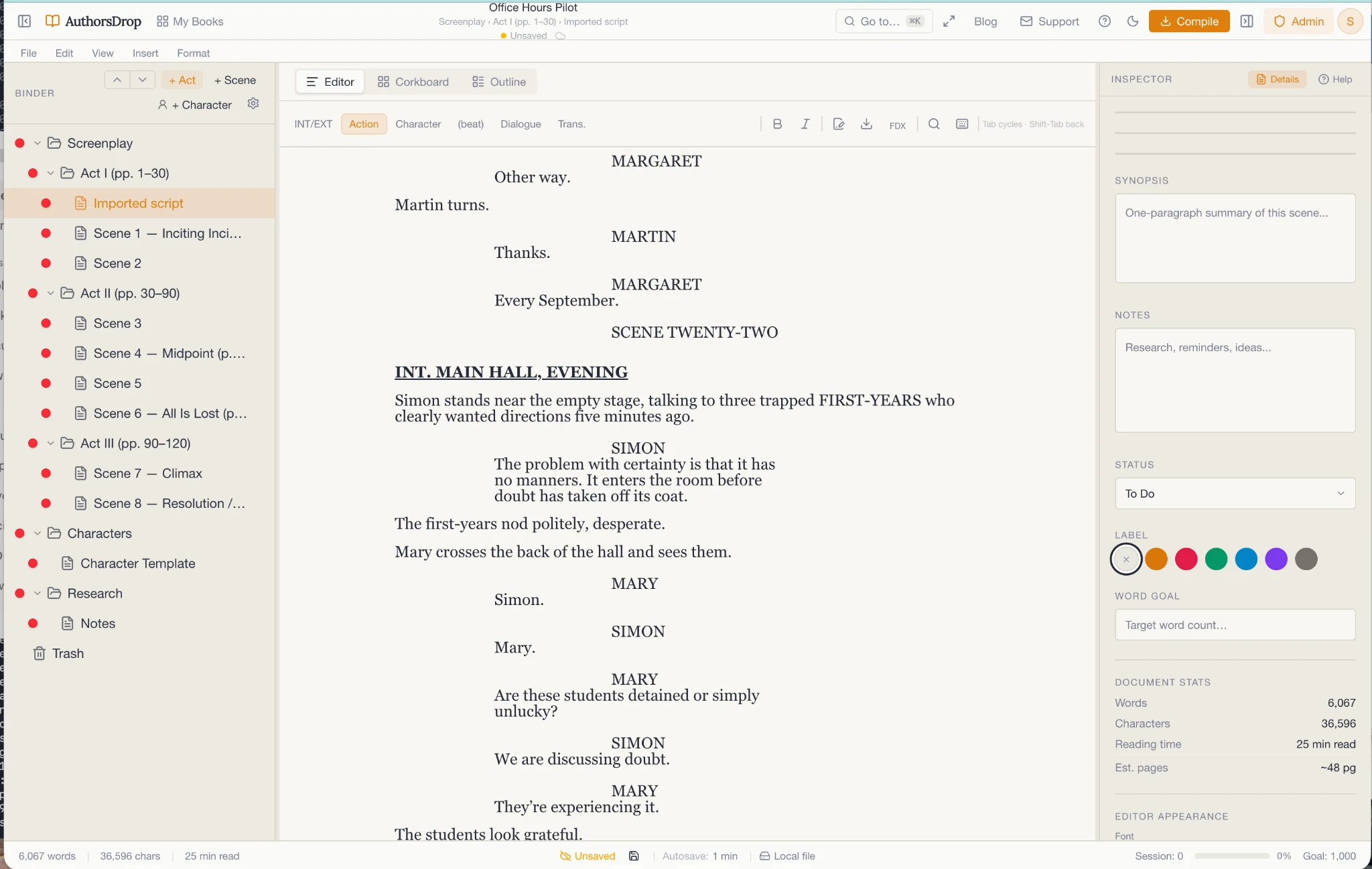
AuthorsDrop is broader. It includes screenplay support, but it is not only a screenwriting application. It is designed for writers who may be working on novels, stage plays, non-fiction books, dissertations and screenplays inside one writing environment.
That makes this comparison less about whether Final Draft is good. It is. The better question is whether your writing life is purely screenwriting, or whether you need a workspace that supports several forms of long-form writing.
Quick comparison
| Feature | AuthorsDrop | Final Draft |
|---|---|---|
| Screenplay writing | Yes | Specialist focus |
| Automatic screenplay formatting | Yes | Yes |
| Beat and story planning | Corkboard and outline approach | Beat Board, Outline Editor and story tools |
| Stage play writing | Yes | Not the main focus |
| Novel writing | Yes | No, not its purpose |
| Non-fiction writing | Yes | No, not its purpose |
| Dissertation writing | Yes | No, not its purpose |
| Research folders | Yes | Limited compared with authoring workspaces |
| Character records | Yes | Script-oriented tools vary by workflow |
| Best suited to | Writers across several long-form formats | Dedicated screenwriters and production workflows |
Final Draft is a serious screenwriting tool
Final Draft has earned its place because screenwriting has strict conventions. Scene headings, action, dialogue, parentheticals, transitions and page flow all matter. A dedicated screenwriting tool removes much of the formatting burden so the writer can concentrate on the script.
Final Draft also offers specialist planning and collaboration features such as Beat Board, Outline Editor, story structure tools and real-time collaboration. For professional screenwriters, those features can be important.
If your entire creative life is screenplays, Final Draft is a natural candidate.
AuthorsDrop supports screenplays inside a wider writing system
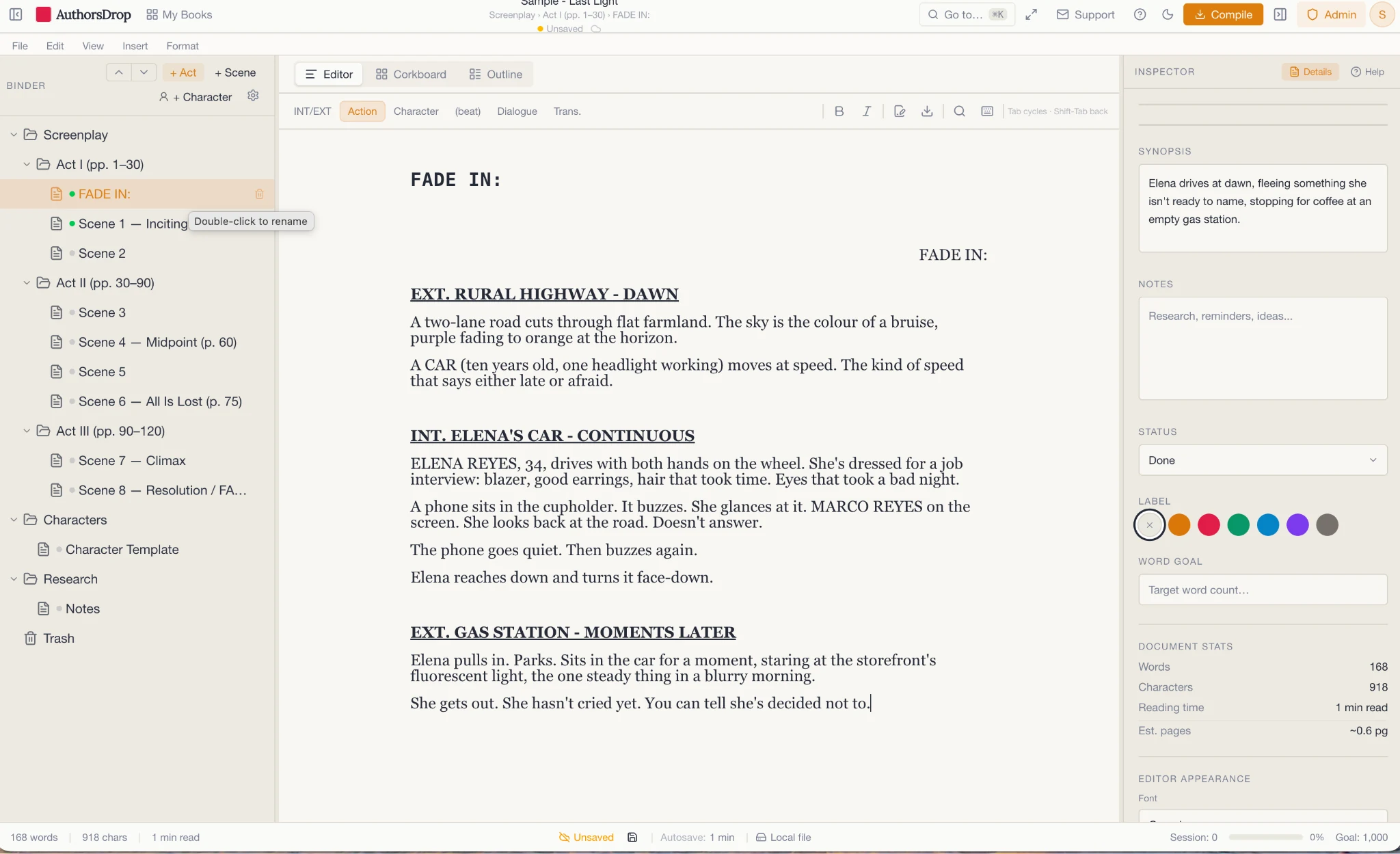
AuthorsDrop includes screenplay writing, but places it inside a broader workspace. The same application can also handle novels, non-fiction, stage plays and dissertations.
That matters because many writers are not only screenwriters. A novelist may want to adapt a book into a script. A playwright may move between stage and screen. A non-fiction author may later create a documentary script or teaching material.
Final Draft is a specialist script tool. AuthorsDrop is an authoring workspace that includes scripts.
The specialist advantage
Final Draft’s advantage is depth within one field. It knows the world of screenplays and production better than a general writing platform can. Its tools are aimed at the needs of scriptwriters, including planning, formatting and sharing scripts in expected industry formats.
For a working screenwriter, that can matter. If a production company, film school or writing partner expects Final Draft files, there is practical value in using the industry specialist.
AuthorsDrop does not need to pretend otherwise. Its advantage is different.
The all-round writing advantage
AuthorsDrop is stronger when the work does not fit neatly into one format. A novel has chapters and scenes. A stage play has theatrical structure. A dissertation needs research, sections and careful organisation. A screenplay has its own formatting rules. AuthorsDrop brings these project types into one environment.
This is useful for writers who do not want to keep changing tools. The Binder, research, characters, notes, Corkboard and Outline views remain familiar across different kinds of work.
Planning and revision
Both tools offer planning. Final Draft provides script-focused story planning through features such as Beat Board and outline workflows. AuthorsDrop provides broader manuscript planning through its Binder, Corkboard, Outline and scene-level inspector.
The difference is the unit of thought. Final Draft thinks like a screenwriter. AuthorsDrop thinks like a long-form author whose project might be a script, book, play or academic work.
For screenplays only, Final Draft’s specialised language may feel more natural. For writers who cross between forms, AuthorsDrop’s consistency may be more useful.
Stage plays
Stage plays deserve separate mention because they are often treated as an afterthought by screenwriting tools. A stage play is not just a screenplay with different margins. It has its own rhythm, conventions and practical needs.
AuthorsDrop includes stage play support as part of its wider commitment to long-form writing. That makes it attractive for writers who work in theatre as well as prose or screenwriting.
Novels and books
This is where Final Draft leaves the conversation. It is not built for novels, memoirs, non-fiction books or dissertations. You could force almost any writing tool to hold text, but that does not mean it is suited to the job.
AuthorsDrop is designed around chapters, scenes, research, characters and manuscript export. For book-length writing, it is the more natural tool.
Who should choose Final Draft?
Choose Final Draft if screenwriting is your main focus and you want a specialist industry tool with professional script formatting, script planning and collaboration features.
It is especially relevant if your school, production team or writing partners already use Final Draft.
Who should choose AuthorsDrop?
Choose AuthorsDrop if you write across formats. It is the better fit if your projects include screenplays, but also novels, stage plays, non-fiction, dissertations or other long-form work that needs organisation beyond script formatting.
Final verdict
Final Draft is a screenwriting specialist. AuthorsDrop is a broader writing workspace.
If you live entirely in screenplays and need specialist script tools, Final Draft remains a serious choice. If you want one application for screenplays, stage plays, novels, non-fiction and research-heavy projects, AuthorsDrop offers a more flexible environment.
The choice depends on whether you need the best specialist tool for one form, or a strong writing workspace for many forms.
Frequently asked questions
Is Final Draft still good for screenwriting?
Yes. Final Draft remains a major specialist screenwriting application with professional script formatting, planning tools and collaboration features.
How is AuthorsDrop different from Final Draft?
Final Draft is focused primarily on screenwriting. AuthorsDrop supports screenplays, but also novels, stage plays, non-fiction, dissertations, research, characters and manuscript organisation.
Which is better for novelists?
AuthorsDrop is the better fit for novelists because it is designed around chapters, scenes, research, characters and book-length drafting. Final Draft is built primarily for scripts.
Which is better for screenwriters?
Dedicated professional screenwriters may prefer Final Draft’s specialist industry features. Writers who also create novels, plays or books may prefer AuthorsDrop’s broader workspace.
Source note
This comparison was written with reference to Final Draft’s public product information describing screenplay formatting, Beat Board, Outline Editor, story planning and collaboration features.